
Running Loftia on Steam Deck: official support, the shader-compilation CPU spike, Mac low-RAM crashes, and external drive loading.
Loftia Steam Deck: Setup and Performance
Loftia is officially supported on the Steam Deck, and that support arrives with the buy-to-play launch on November 3, 2026 at 1pm EST (02:00 on November 4 in Beijing time). The developer FAQ states that Loftia "is fully playable with controller / gamepad, in addition to keyboard and mouse, and also supports the Steam Deck," while the Steam store still tags the game Partial Controller Support and publishes no Valve compatibility rating as of October 22, 2026. Three published performance notes decide your setup: shader preparation still pushes CPU usage hard on load and was only reduced in demo patch notes #1, installing to an external drive — which is what a microSD card is — greatly increases load times and can lead to timeouts and crashes, and group housing servers can crash when a group travels to a player island. On Mac, the official advice is Low graphics settings on machines below 16 GB of RAM.
- Deck support is official in the developer's own FAQ, shipping with Early Access on November 3, 2026 — but the store tag is weaker, since the game and the free demo both carry Partial Controller Support.
- The biggest Deck risk is storage: install to internal storage, not the microSD card.
- No frame-rate targets or Deck presets have been published as of the October 2026 Steam Next Fest demo.
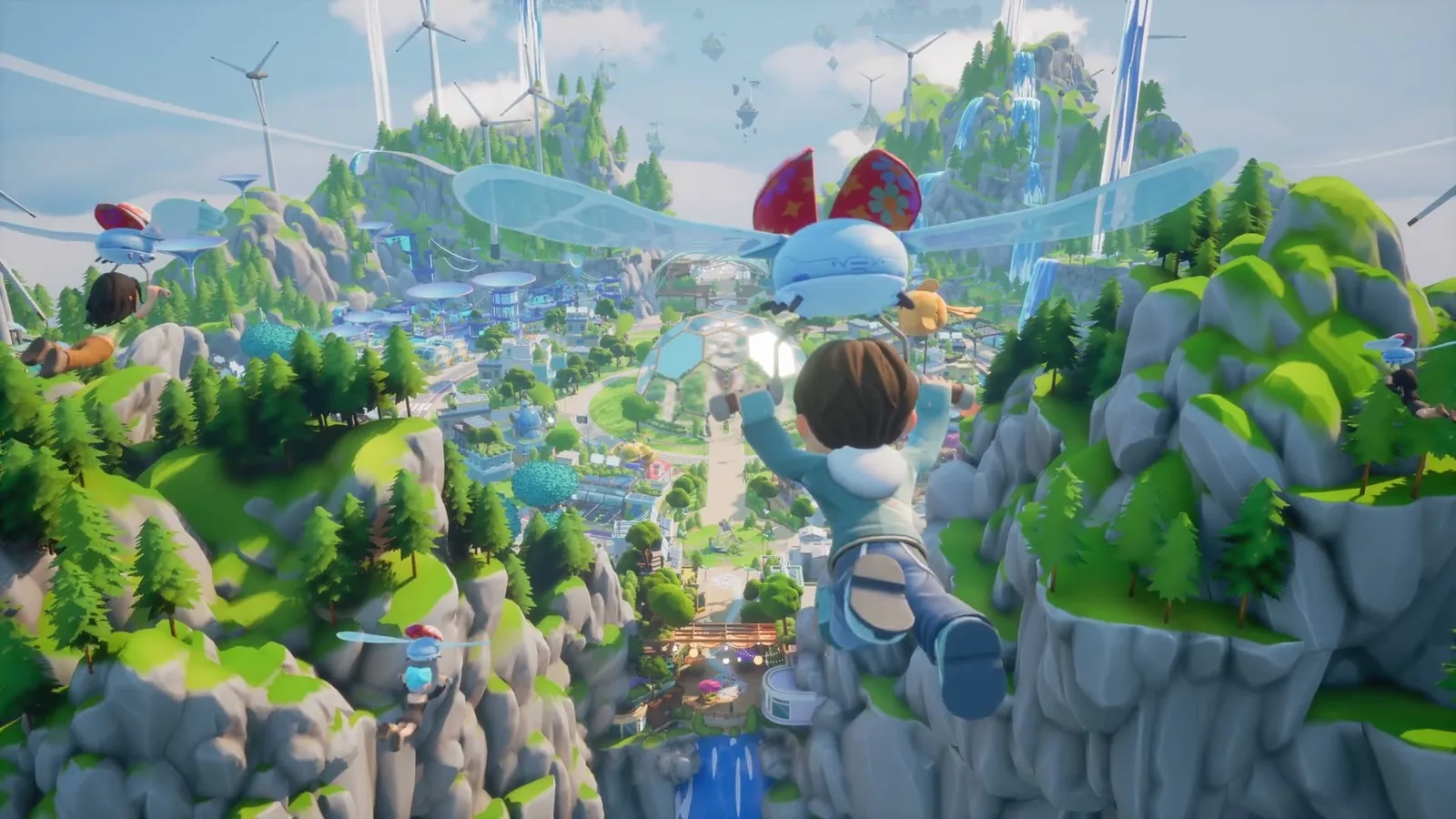
From the official Steam trailer:
What the developers say about the Deck
The FAQ answer is the first-party statement: "Loftia is fully playable with controller / gamepad, in addition to keyboard and mouse, and also supports the Steam Deck."
Official source: Loftia FAQ
The store metadata splits the wording. Steam's category list for Loftia reads Multi-player, MMO, Co-op, Online Co-op, Partial Controller Support and Family Sharing, and the Loftia Demo page carries the same entry. Store categories are Valve's metadata field; the FAQ is the studio's sentence. Both hold: Partial Controller Support is not a Deck-specific complaint, and the FAQ sentence does not promise every screen is pad-clean.
Official source: Loftia on Steam
Two store details matter before you commit a weekend. The compatibility data block on the store page is empty, with no per-device results and no Verified, Playable or Unsupported label, so there is no Valve rating to read — only the FAQ sentence. And the platform flags list Windows and Mac only, with no native Linux build listed, while the FAQ never explains how the Deck build is delivered. Check the compatibility prompts when you install the demo instead of assuming.
One constraint is easy to miss on a handheld: Loftia is online-only. The FAQ says you "will need to be online to play, no matter what platform you are playing on," with no offline mode, so the Deck needs a live connection every session.
Steam Deck setup checklist
- Install to internal storage. The known-issues page is blunt: "If you install Loftia to an external drive it will greatly increase load times which can lead to timeouts and crashes." A microSD card is an external drive by definition.
- Expect the first load to be the heaviest moment. Demo patch notes #1 (October 21, 2026) reduced "maximum CPU usage during shader preparation to help keep computers happy while loading." That reduces the peak; the shader step remains.
- Memorise the D-Pad. Settings navigation on a gamepad needs the D-Pad and thumbsticks are unsupported, so set your graphics options before you start.
- Test on the free demo first. The Next Fest demo is a separate free Steam app running through October 26, 2026 (October 27 in Beijing time) with the same client, and everything you do in it carries into Early Access.
An external-drive install greatly increases load times and can lead to timeouts and crashes. On a Steam Deck a microSD card is an external drive by definition, so this one line of official advice decides whether a Deck session is smooth or painful.
Official source: Steam Next Fest Known Issues, updated October 21, 2026
The three published performance problems
Shader preparation spikes the CPU. The demo patch notes reduced peak CPU usage during shader preparation so computers stay "happy while loading," and on a handheld that first launch is where the effort lands. No frame-rate target, benchmark or quality preset list has been published, so treat any specific number quoted elsewhere as unverified.
External drive installs break loading. The known-issues entry gives a direct causal chain: greatly increased load times, leading to timeouts and crashes.
Group housing can crash on island visits. The studio is "investigating issues with group housing servers not allocating correctly leading to crashes," when a group travels to a player island. Plan around it socially: visiting each other's islands with friends can crash that transition until the fix lands. The full published list is in our known-issues page, and co-op server behaviour sits in multiplayer and servers.
Official source: Loftia Demo - Patch notes #1
Mac performance and the 16 GB rule
The Mac advice is short: some older Macs may experience performance issues or crashes, "particularly those with less than 16 GB of RAM," and the developers recommend Low graphics settings if that happens. Intel Macs are not supported at all.
| Mac | Minimum | Recommended |
|---|---|---|
| OS | macOS 14 Sonoma | macOS 14 Sonoma |
| Chip | Apple M2 | Apple M2 Pro |
| Memory | 8 GB RAM | 16 GB RAM |
| Graphics | Integrated Apple M2 GPU | Integrated Apple M2 Pro GPU |
| Storage | 10 GB | 10 GB |
| Processor note | Intel-based Macs are NOT supported | — |
Official source: Loftia on Steam
PC system requirements
| PC (Windows) | Minimum | Recommended |
|---|---|---|
| OS | Windows 10 64-bit | Windows 11 64-bit |
| CPU | Intel Core i3-10100F / AMD Ryzen 3 3100 (or equivalent) | Intel Core i5-12600K / AMD Ryzen 5 5600 (or equivalent) |
| Memory | 8 GB RAM | 16 GB RAM |
| Graphics | Nvidia GeForce GTX 1050 / AMD Radeon RX 560 (or equivalent) | NVIDIA GeForce GTX 1660 / AMD Radeon RX 5600 XT (or equivalent) |
| DirectX | Version 11 | Version 12 |
| Network | Broadband Internet connection | Broadband Internet connection |
| Storage | 10 GB available space | 10 GB available space |
The developers are "still working hard on optimizing the performance of the game" and expect it to run better on older computers over time — a road map, not a specification. The system requirements page has the full breakdown.
What the demo cannot tell you
The Next Fest demo covers Loftia City with farming, decorating, salvaging, adventures and social play, and caps proficiencies at Level 5 — a demo limit, not the final design. Early Access lifts that cap, adds Perks, and brings Hanging Gardens, Gridfall, pets, Adventure Gauntlets and larger World Projects, all coming in Early Access on November 3, 2026.
Proficiencies are capped at Level 5 in the Next Fest demo. At Early Access launch on November 3, 2026 they go further and Perks appear, so a demo that feels shallow is not telling you much about the finished progression.
Symptom to fix
| Symptom | Official status | Action |
|---|---|---|
| Long first load, CPU pinned | Shader prep peak reduced in demo patch notes #1 | Let the first launch finish; later loads are lighter |
| Load hangs or times out | External drive installs increase load times, can cause timeouts | Move the install to internal storage |
| Crash when a group visits a player island | Group housing server allocation under investigation | Retry the visit; expect a fix later |
| Stutter or crash on a Mac under 16 GB RAM | Older Macs may perform poorly or crash | Drop to Low graphics settings |
| Pad does not navigate settings | D-Pad required on gamepad, thumbsticks unsupported | Use the D-Pad in settings |
| Loftia cursor left on screen after mouse use | Pad and mouse conflict | Click the Loftia window to re-enable the gamepad |
| Cannot quit from the login screen with a pad | Known issue | Exit from the in-world menu instead |
The gamepad rows hit in the first five minutes of a Deck session; all are detailed in controls and gamepad known issues.
FAQ
Does Loftia really run on the Steam Deck? Yes, officially. The developer's FAQ names the Steam Deck in the same answer that calls Loftia fully playable with a controller, and support ships with Early Access on November 3, 2026. The store page still carries Partial Controller Support, so expect menu quirks rather than a console-style experience.
Is Loftia Steam Deck verified by Valve? No rating is published. The compatibility data on the store page was still empty on October 22, 2026, so there is no Verified, Playable or Unsupported label to read — only the FAQ sentence.
Why does Loftia take so long to load on my Deck? Two official answers, and both can apply. On the microSD card the known-issues page says load times increase greatly and can lead to timeouts. And the first launch includes shader preparation, where maximum CPU usage was reduced in patch notes #1. Install to internal storage.
Can I play Loftia offline on the Deck? No. The FAQ says you need to be online to play on every platform, with no offline mode.
Is the free demo playable on the Deck? The demo is a separate free Steam app with the same client and store category, running until October 26, 2026 (October 27 in Beijing time). Progress carries over, so test your setup before buying; details are in demo progress and what carries over.
Related Guides
- Loftia System Requirements for PC and Mac — the published numbers, including the Apple Silicon requirement.
- Loftia Patch Notes and Known Issues List — every published problem, from localisation to external-drive timeouts, with workarounds.
- Loftia Controls and Gamepad Known Issues — the D-Pad rule, quitting from the login screen and the mouse cursor conflict.
- Loftia Release Date and Early Access Prep Guide — what to do before November 3, 2026, when the Deck build goes live.
More Loftia Guides
How Loftia crafting works: renewable-powered tools, refining stations, material tiers and the tool wheel, as confirmed in the October 2026 demo.
The confirmed Loftia crop situation: 10 basic and 5 exotic crops announced for hydroponic farming, plus Bioluminescent Ivy, rest pending.
How Loftia decorating works: Estella the furniture expert, shared neighbourhood islands, and a cosmetics-only Backer Boutique with no gacha.
Loftia demo progress, character name and three demo rewards carry into Early Access on November 3, 2026, but only if you link your loftia.gg account.
How Loftia farming works: hydroponics, aquaponics and trellis growing, the four hydroponic factors, and what the demo lets you plant.
Loftia fishing: a listed proficiency capped at Level 5 in the demo, the fishing spots in Hanging Gardens, Kassim the fishing expert, and a community fish list.
Gridfall is Loftia's salvaging district: a concrete jungle on old world ruins, with air rails, skyscrapers, a museum and underground tunnels.
Hanging Gardens arrives in Early Access on November 3, 2026: a quiet floating island with greenery, fishing spots, farms and a forest.